4. NTCP from pre-computed predictors#
In this tutorial you compute NTCPs from a table alone, without any images. Use this when you already have each patient’s dose metrics, for example exported from your treatment planning system or computed in another study.
You need: a CSV with one row per patient, holding every dose metric and clinical
predictor the model uses, for example
precomputed_predictors_xerostomia.csv.
Prepare the CSV#
For Xerostomia (grade 2+), the CSV needs the mean dose to each of its four structures, plus pre-treatment xerostomia:
ID,SCRR meanDose,Parotids-SCRR meanDose,Submandibular glands meanDose,Oral cavity meanDose,pretreatment_toxicity
pt_001,24.1,22.8,48.3,35.6,0
pt_002,31.7,27.4,55.0,41.2,1
ID identifies the patient.
Name each dose metric column
<structure> <metric>, exactly as in the model, for exampleOral cavity meanDose. Doses are in Gy.Name each clinical predictor column as in the model, with its numeric code (here
0for No,1for Yes).If the model corrects for fractionation, give the doses already corrected. VALIDATE uses the values as they are.
Built-in models lists each built-in model’s dose metrics and predictors.
Set up and run#
Open VALIDATE. Under Start from, select Pre-computed predictors. Data, Plan info, the Segment tab and the Structures table are grayed out, since they aren’t used.
In Model, select Xerostomia (grade 2+).
On the Model tab, next to Predictor values, click Select CSV and choose your CSV.
Check Output. It defaults to
analysis_<model>in the CSV’s folder.
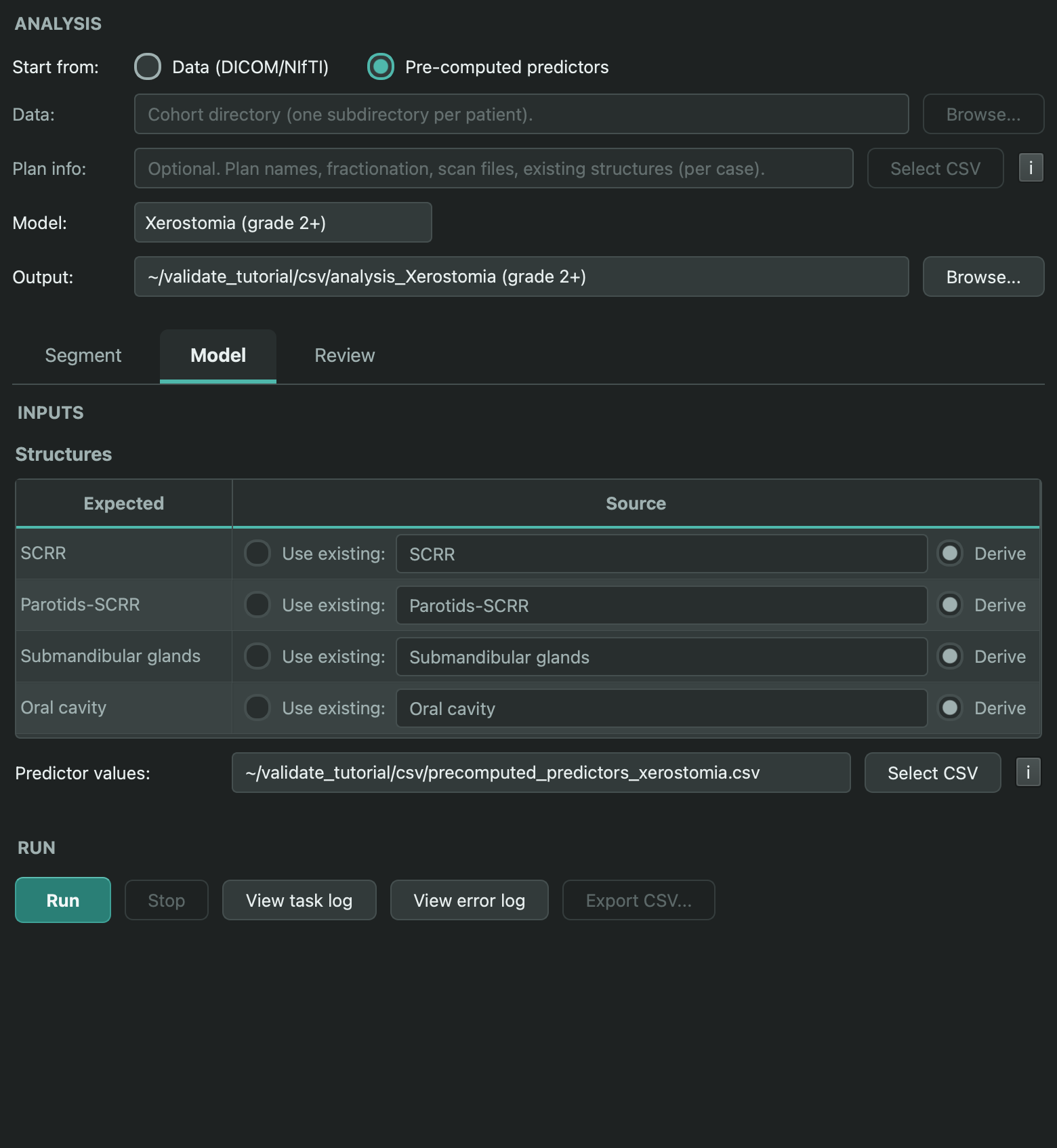
Click Run, then Save and continue.
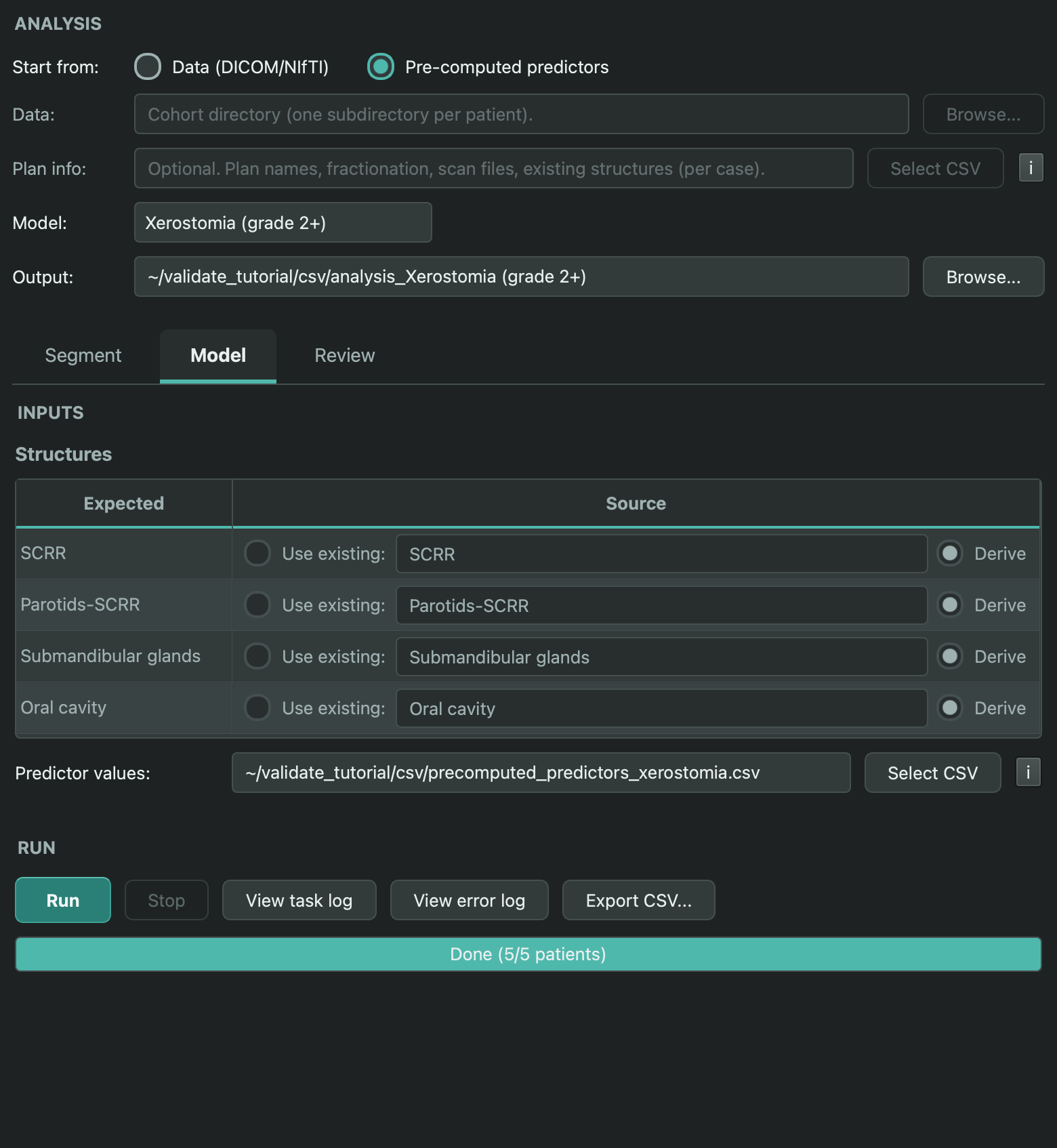
When the progress bar says Done, click Export CSV… to save the results.
If a patient fails#
A patient fails if a value the model needs is missing: a missing column, or an empty cell. Click View error log to see which value. Fill it in, then click Run again.