Getting started#
This page takes you from nothing installed to the VALIDATE window open.
What you need#
Install#
Open a terminal, go to the folder you want to install into, and create a Python environment:
uv venv --python 3.11
source .venv/bin/activate
uv venv --python 3.11
.venv\Scripts\activate
Download and install pyCERR and VALIDATE:
git clone https://github.com/cerr/pyCERR.git
uv pip install -e ./pyCERR
git clone https://github.com/aditiiyer/validate.git
uv pip install -e ./validate
Check that both installed:
python -c "import cerr, validate; print('ok')"
You should see
ok.
Note
Both are installed from their git folders, so each run can record the exact VALIDATE and pyCERR versions used.
Open VALIDATE#
With the environment active, run:
python -m validate
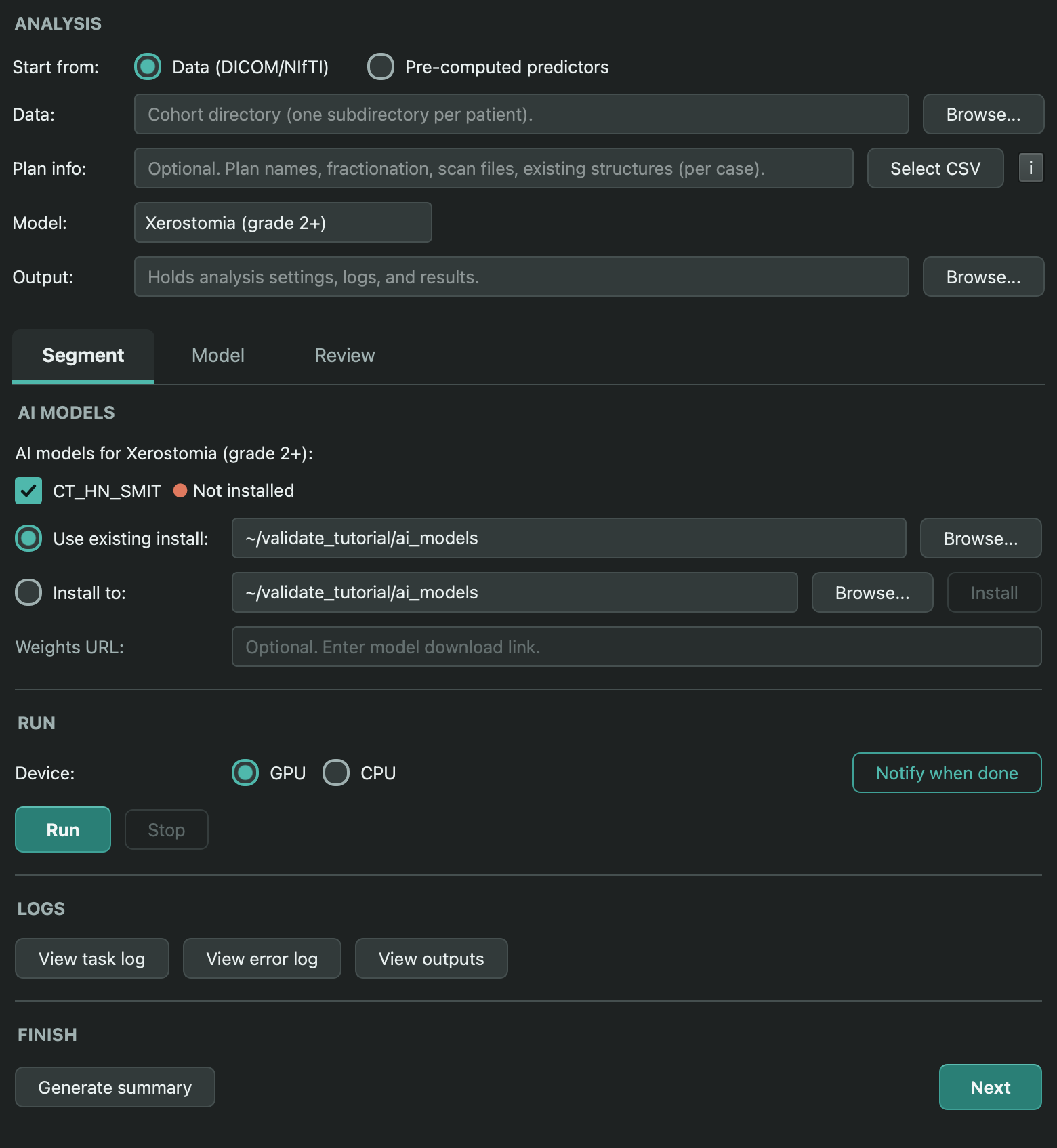
The VALIDATE window opens on the Segment tab:
Tip
To open VALIDATE with the Data folder already filled in, add the folder to the command:
python -m validate /path/to/cohort.
Next steps#
Tour of the window explains each part of the window.
Tutorials walk through complete analyses.